
See what AliExpress sellers charge for something similar.
On a product page of an independent online store, a small marker appears in the corner. Click it to see similar items sold direct from China that may cost less.
Free, paid for by affiliate commissions. An invite-only beta for people 18 and over in the United States. Works in Chrome on a computer.
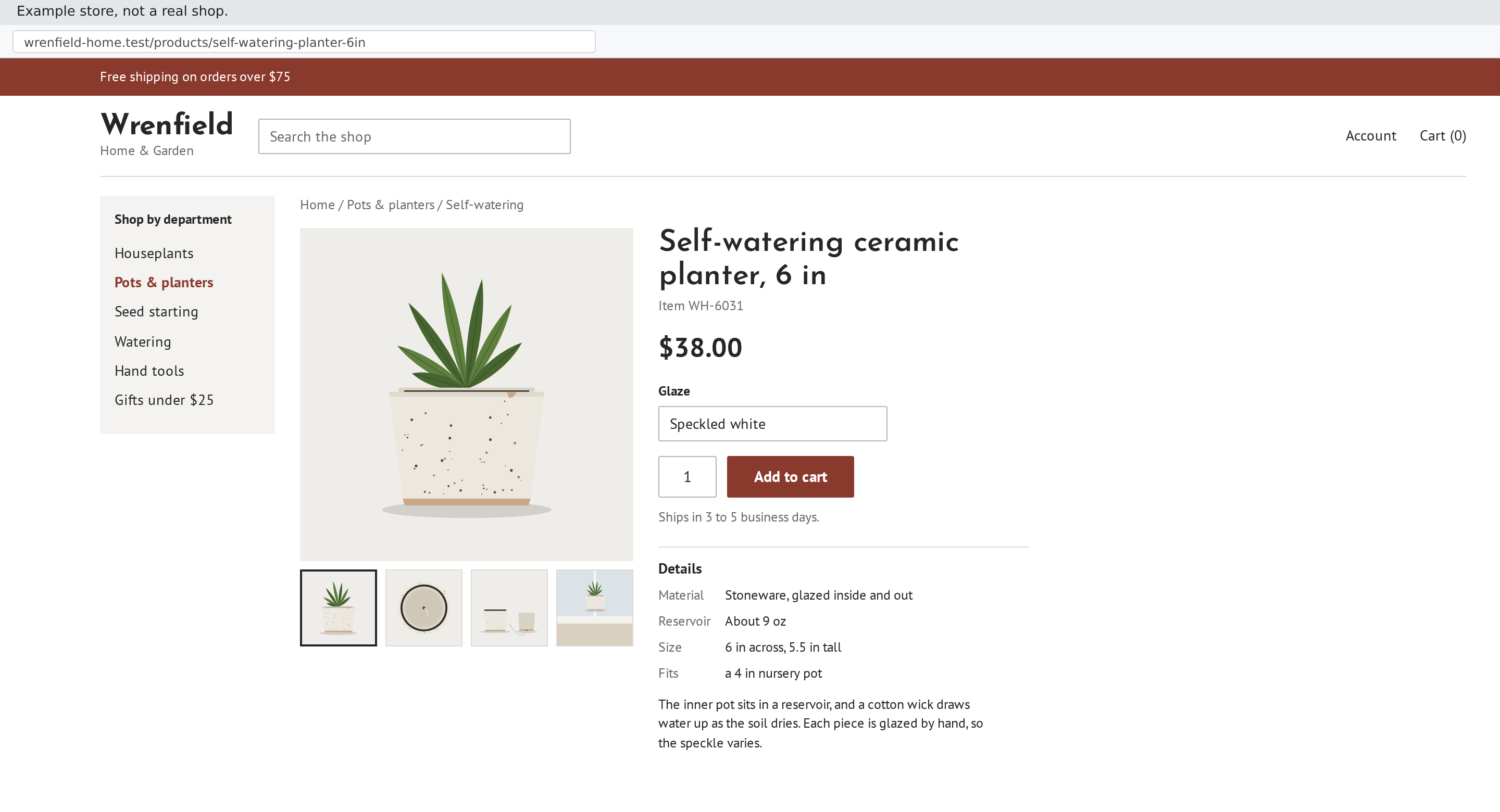
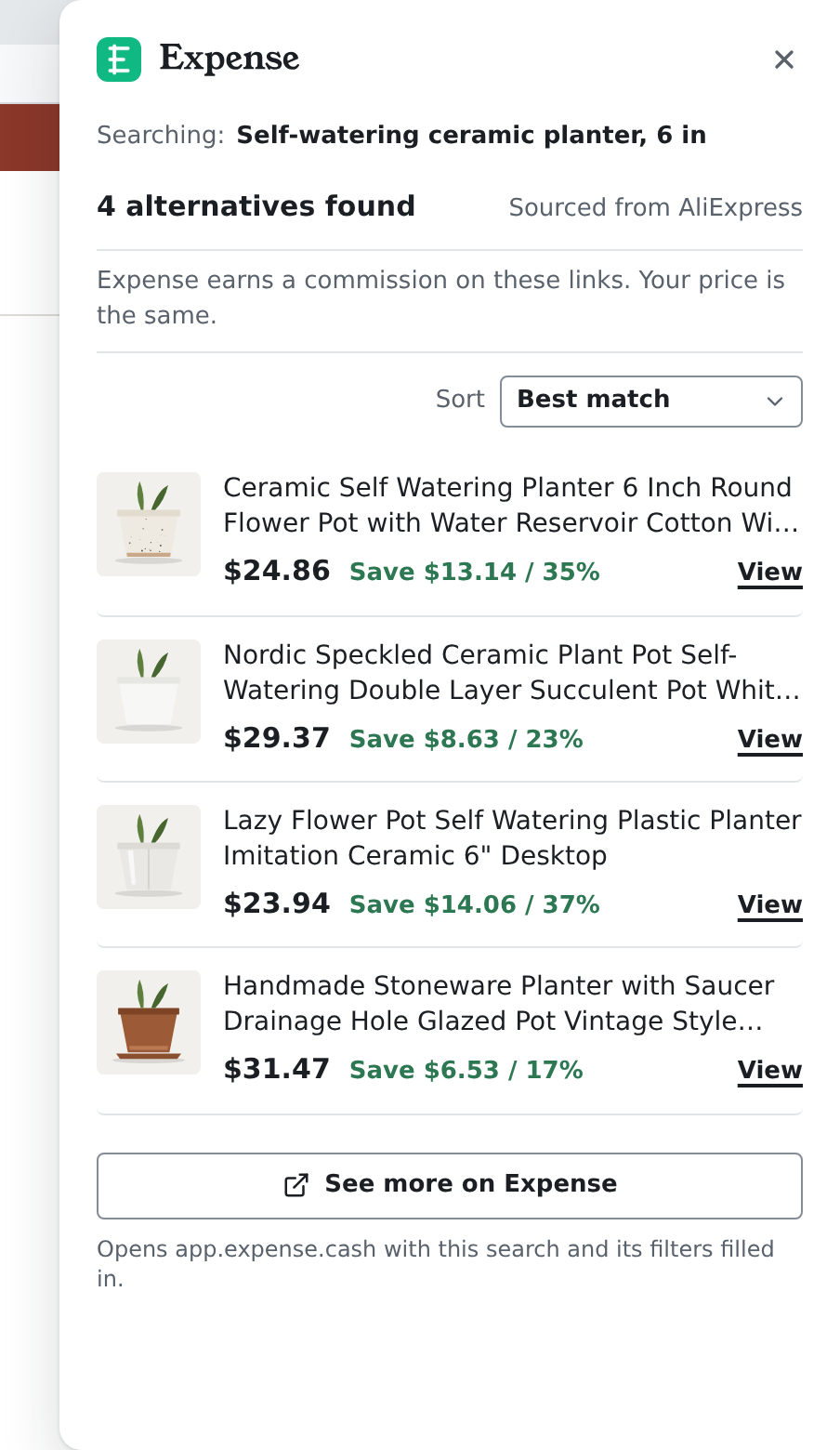
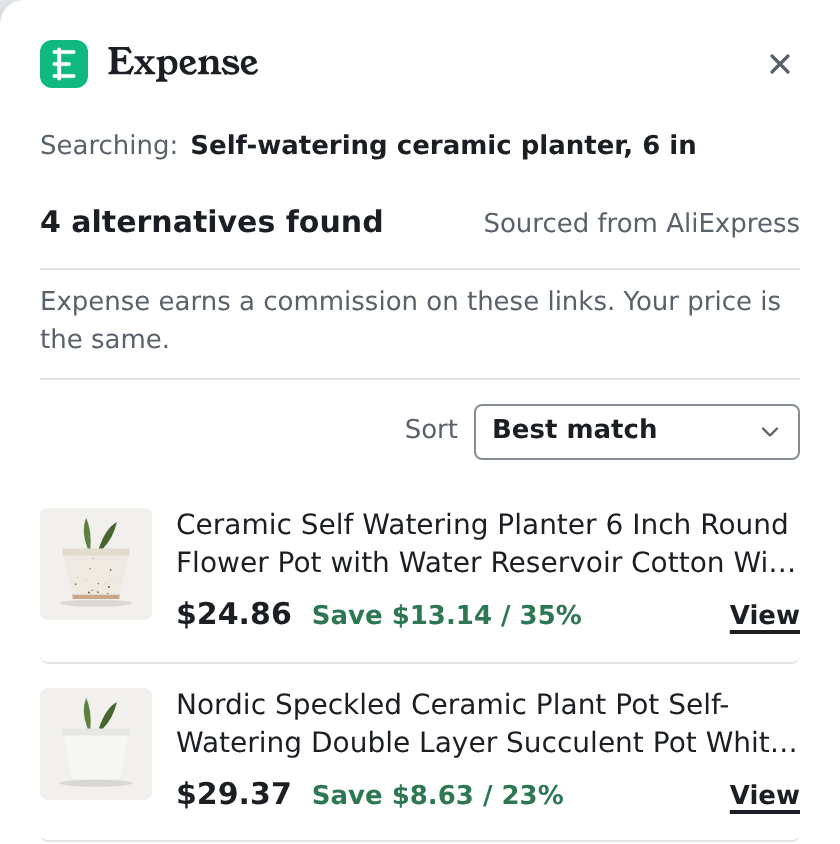
ExampleThis planter is $38.00 on the store. The first similar item, from an AliExpress seller, is $24.86, a saving of $13.14 (35%).
What this page sent
Only on a page selling a product, and only while you are signed in. No data is sold.
Sent
- Self-watering ceramic planter, 6 in
- Pots & planters
- $38.00
- your results per search and minimum discount
Never sent
- this page's address
- your browsing history
- anything you type, like a discount code
Chrome's install warning. Chrome will warn that it can read and change data on websites. Expense needs that to recognise product pages.
Who pays for Expense
Expense is free, and it is paid for by affiliate commissions. When you buy something through a result, AliExpress pays Expense a commission.
- Your price is the same as it would be without Expense.
- We will never change the link you arrived through, so a creator's or influencer's code still counts.
- Our affiliate link is only on the results in the panel, and is used only when you click one.
Where it works
Independent online stores. It does not appear on Amazon, eBay, Etsy, Walmart, Target or other large retailers. If you don't see the marker on a store, that store isn't supported.
You also won't see it on:
- a store's home page, a category page, search results or the cart
- a page that sells nothing, like a blog post or a recipe
- any page while you are signed out
- Chrome on a phone or tablet
How it works
-
Example
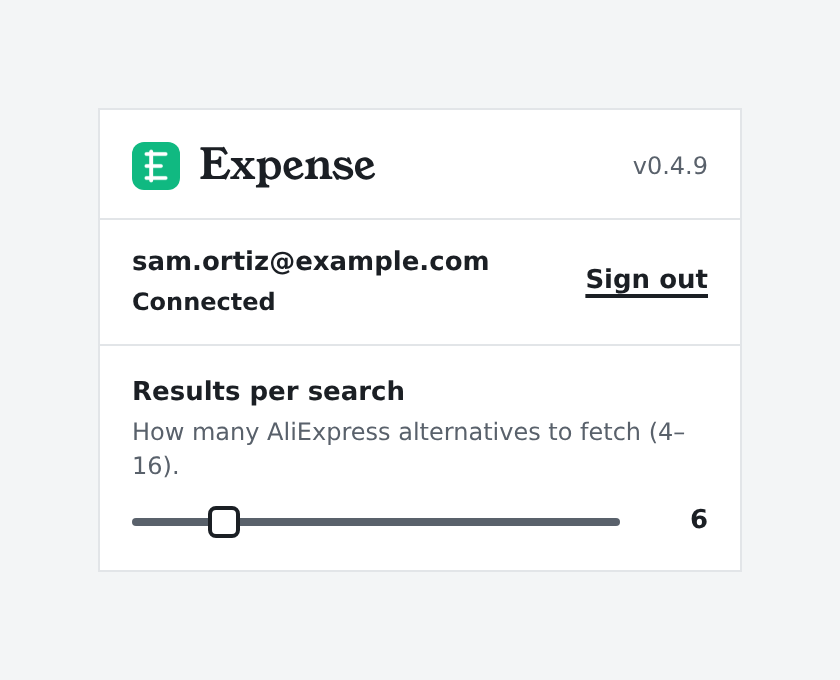
Add Expense to Chrome and sign in with your invite.
-
Example
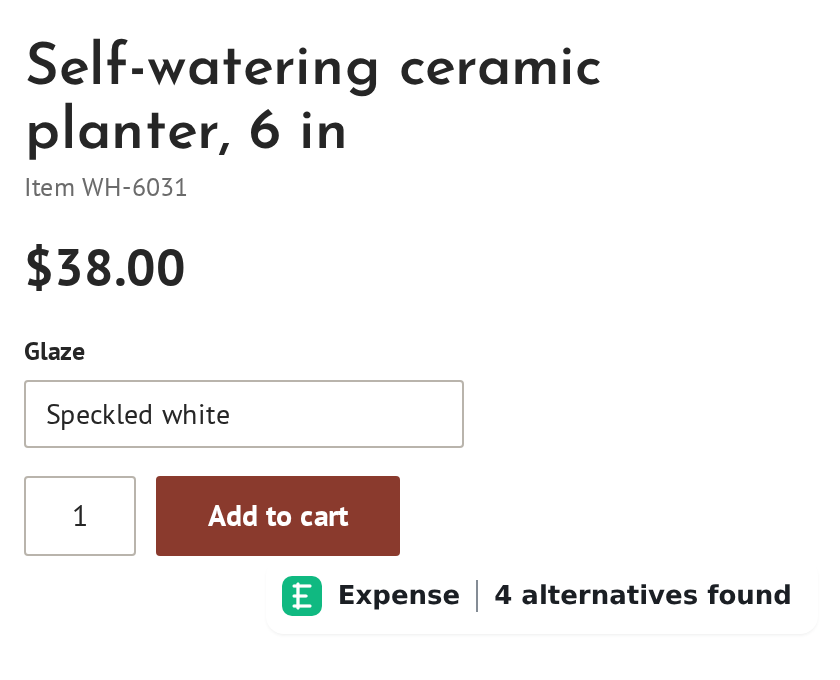
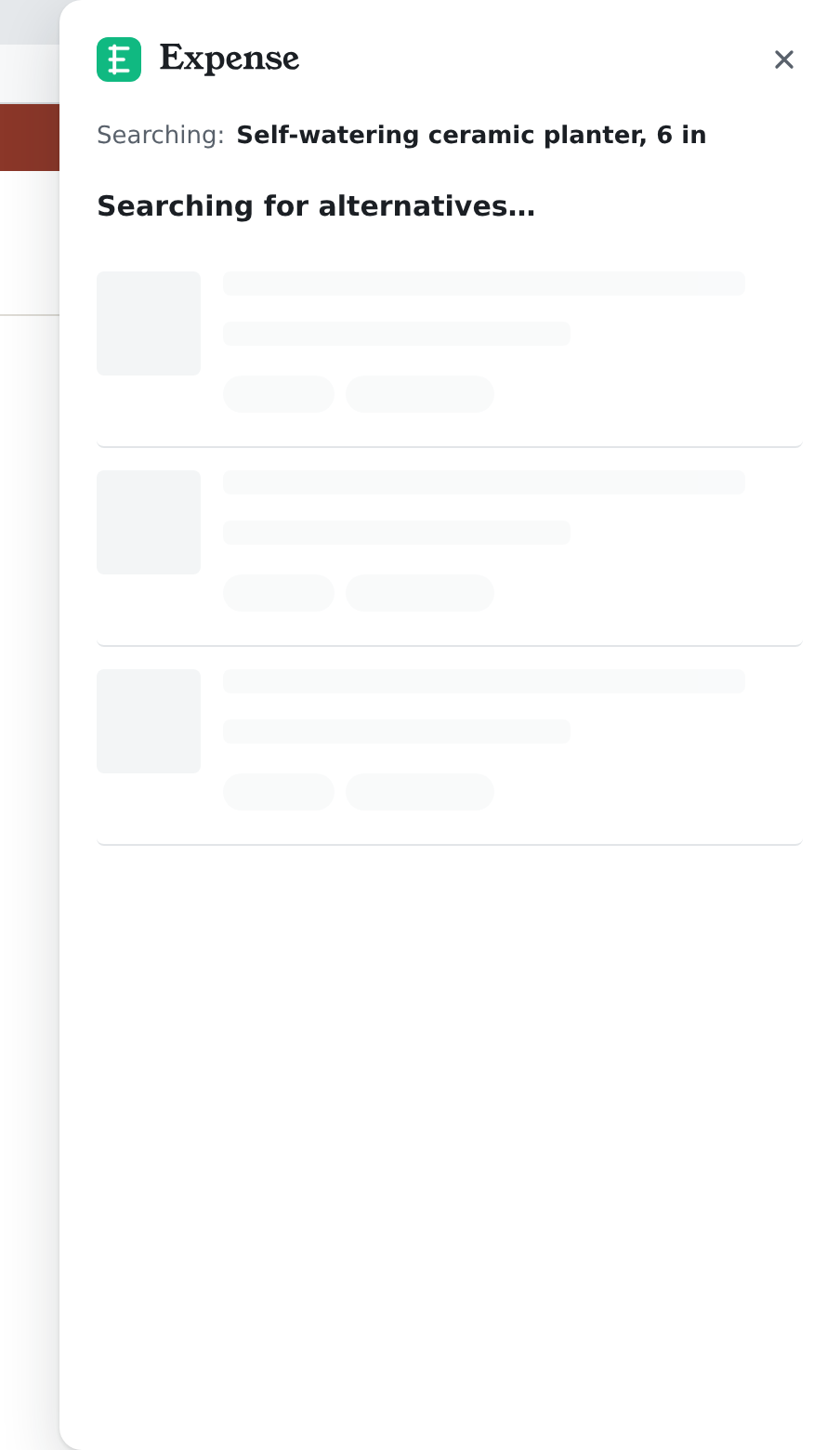
Open a product page on an independent online store. The marker appears in the corner. Click it to open the panel.
-
Example
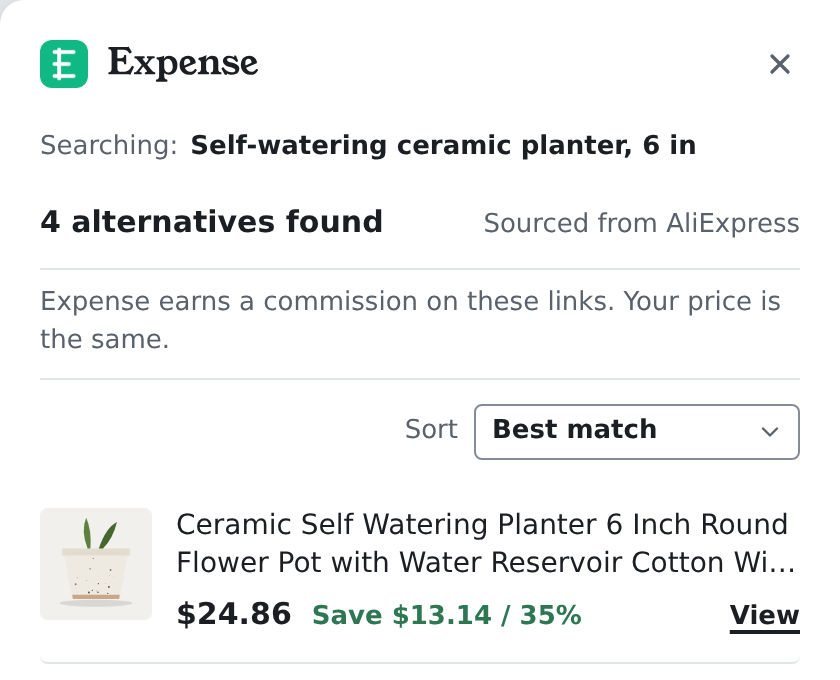
The panel lists similar items from AliExpress sellers, each with its price and the saving. Click one to open it on AliExpress. In this example one of the four is plastic, the $23.94 pot: Expense finds what is similar, and whether it is the same is your call.
Have an invite?
Add Expense to Chrome, then sign in with your invite. It is free, and the beta is open to invited people 18 and over in the United States.